Is Your Graphics Card Going Bad?
Whenever you create a graph on your computer, you’re going to need a graphics processing unit (GPU). Without one, you won’t see anything on your computer screen. So, obviously, it’s a problem when it starts to fail. Here at New Ross PC Repairs, we help customers across Wexford and Waterford identify these exact issues, so this article discusses the signs to look for and what to do.
First, what does the graphics card do? A graphics or video card takes data from your computer’s central processing unit (CPU) and translates it into what you see on your monitor. Every image on your computer screen is composed of millions of pixels. The graphics card is what decides what kind of picture you see.
Many computers have integrated graphics with the main processor. However, depending on how you use the computer, you might have purchased one with a dedicated graphics card. This allows you to see more complex visuals with more clarity and faster. Top-quality graphics cards boast lots of memory and fast processing to translate binary data into images at frames-per-second rates.
How to know a graphics card is going bad
Graphics cards can be physically damaged by incorrect installation, or fail as a result of overheating or a power surge. There may even have been a manufacturing defect there when the card was first installed. You can’t predict why a graphics card may begin to fail, but there are some symptoms of likely failure.
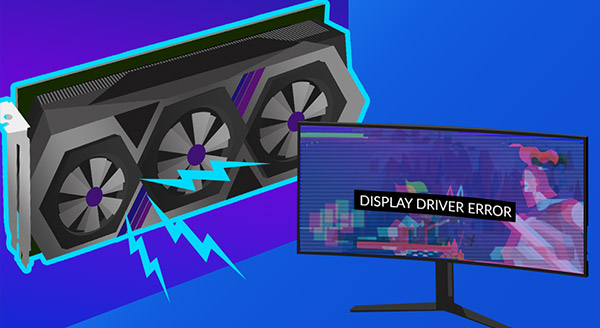
Screen glitches or artifacts
Maybe you are playing a video game or streaming your favorite movie when you notice on the screen:
- weird colors or shapes;
- pixelation;
- frame tearing.
These could be there for only a few seconds. You might move your mouse and they go away. But, you don’t want to overlook these symptoms.
Stuttering
A computer screen freezing up or dropping frames can mean graphic card failure. It could also be due to malware or issues with your hardware or RAM. Still, this is not a symptom to ignore.
Fan overworking
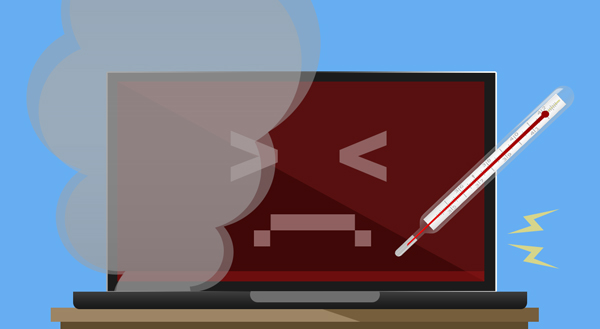
If you’re hearing your fan more than usual, it could mean the graphics card is overheating. This can damage your computer, so act quickly to allow the computer to cool down. If the problem persists, get the device checked out.
Solid screen color
If you get a solid black or blue screen (or with lots of error codes) your video card may be struggling. Graphics card failure may have caused the system to crash, and you’ll be forced to reboot the computer. Crashes can happen for other reasons too. But if this happens when doing graphics-intensive activities, look to the gaming card.
What to do about graphics card failure
Start by determining if the graphics card is the culprit. There are many possible issues that could cause some of the above symptoms.
You can try to repair the card yourself, but it is risky. It can involve updating the motherboard drivers for your chipset and updating display drivers. You might also need to look inside the computer to check connections and clean out any buildup of dust, or the graphics card may need to be reseated because it has come loose.
Our IT professionals at New Ross PC Repairs can determine what is causing your graphics woes and work to repair the hardware at a much lower risk. Serving both Wexford and Waterford, contact us at 087-099-1266 for help today!