Services
Expert Cybersecurity & Virus Removal
Virus & Malware Removal
Is your computer suddenly swamped with pop-ups, running dangerously slow, or locking you out of your own files? Cyber threats like malware, spyware, and ransomware compromise your personal data, banking security, and online privacy. We safely eradicate stubborn infections, repair corrupted operating systems, and secure your machine against future attacks. Enjoy complete peace of mind with our free door-to-door collection and return service.

Common Security Threats
The Most Common Security Threats We Fix:
- Virus & Malware Eradication: We dig deep into your operating system to find and completely destroy malicious software that basic, off-the-shelf antivirus programs miss.
- Pop-Up & Spyware Removal: Stop annoying browser pop-ups, fake tech support alerts, and invisible spyware that quietly tracks your keystrokes and online behaviour.
- Ransomware Recovery: If your files have been locked by hackers demanding payment, we isolate the infection and explore all possible data recovery avenues to rescue your important documents.
- Hacked Account Assistance: If your email or social media accounts have been compromised due to a local machine infection, we secure your hardware first so you can safely reset your passwords and regain control.
- Operating System Repair: Viruses often corrupt critical system files. After removing the threat, we repair the underlying damage to ensure Windows or macOS runs smoothly and securely again.
The Workshop Process
How our hassle-free repair service works:
- Explain the Symptoms: Call or send a message letting us know what strange behaviour your computer is exhibiting (such as fake alerts, freezing, or unrecognised programs).
- Free Local Collection: Turn the machine off immediately to prevent further data loss. We will collect the device directly from your door across New Ross, South Wexford, Waterford, and South Kilkenny.
- The Deep Clean & Quarantine: We take the machine to the bench, safely isolate your storage drive to protect your files, and run rigorous, component-level scans to eradicate every trace of the infection.
- Delivery & Setup: We return your clean, secured, and fully updated computer right back to your home or office, ready for safe browsing.
Virus & Malware Removal FAQs
No. Our primary goal is data preservation. We carefully isolate and remove the malicious code without touching your personal photos, documents, or legitimate software. In rare cases where a severe infection has entirely corrupted Windows, we will safely back up your files first, wipe the drive clean, and reinstall the operating system so you don’t lose a thing.
Modern malware is specifically designed to hide from or even disable standard antivirus software. By the time you notice pop-ups or severe slowdowns, the infection is often deeply rooted. We use specialised bench tools that operate completely outside your active operating system to catch and destroy hidden threats that standard scans cannot see.
Common warning signs include unexpected pop-ups, fake “Microsoft” tech support warnings, the computer running extremely slowly, fans spinning at maximum speed constantly, or your web browser automatically redirecting you to unfamiliar websites. If you suspect an infection, disconnect from Wi-Fi immediately and turn the machine off.
Yes. Once the system is completely clean, we ensure your built-in security features (like Windows Defender) are fully active, updated, and correctly configured. If you require enhanced protection for business or sensitive data, we can recommend and set up robust, lightweight security software.
Got a broken device sitting in a drawer? Let’s get it fixed!
Related Tech Guides
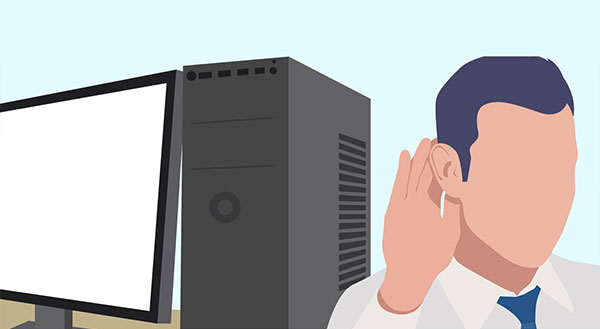
What’s That Weird Noise Coming from Your Computer?
By ChrisPosted in Maintenance & CareIs your computer clicking, clunking, or sounding like a jet engine? Learn what these warning noises mean and how to fix them before your hardware fails.Is Your Laptop Running Hot and Loud?
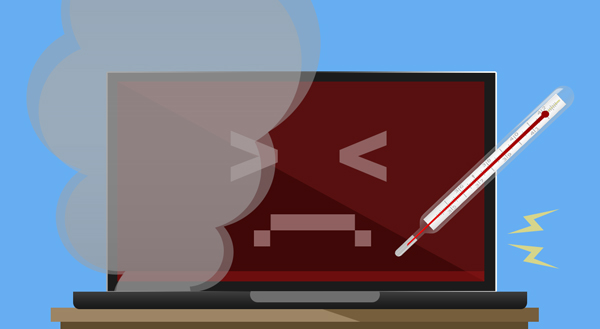
By ChrisPosted in Maintenance & CareIs your laptop hot to the touch or sounding like a jet engine? Discover why your computer is overheating and how a simple clean-out can prevent failure.“Have you tried turning it off and on?”
By ChrisPosted in Maintenance & CareIt’s the oldest joke in IT, but turning a device off and on again actually solves a lot of problems! Learn why restarting works and how to do it safely.Time to Replace Your Laptop Battery?
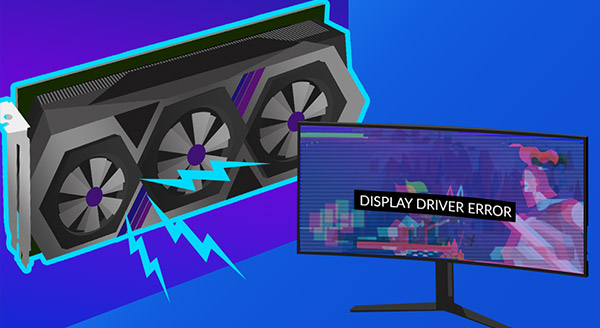
By ChrisPosted in Maintenance & CareIs your laptop constantly dying, overheating, or randomly shutting down? You might not need a new computer—just a laptop battery replacement.Is Your Graphics Card Going Bad?
By ChrisPosted in Maintenance & CareScreen glitching or freezing? Learn the top signs of a failing graphics card and how New Ross PC Repairs in Wexford and Waterford can fix it fast.My Computer Won’t Turn On. Does That Mean My Data Is Gone?
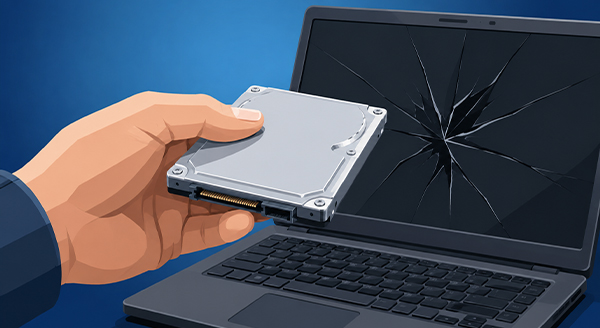
By ChrisPosted in Maintenance & CareThink your data is gone just because your computer won’t turn on? Don’t panic! New Ross PC Repairs offers expert data recovery across Wexford and Waterford.Computer Down, But You Need it Now? Now What?
By ChrisPosted in Maintenance & CareSick of waiting for computer repairs? Discover why partnering with a Managed Service Provider (MSP) keeps your business running smoothly in Wexford and Waterford.