
Free Tech Advice
We believe in helping our customers get the most out of their tech. Below, you will find a collection of practical, easy-to-follow guides covering everything from spotting the latest email scams to speeding up a sluggish laptop. No corporate buzzwords, no confusing acronyms—just honest, step-by-step advice to keep your devices running smoothly.

Computer Parts Just Got Expensive: Here’s How to Avoid Paying Top Dollar
Upgrading your PC? Computer parts are more expensive than ever. Discover how New Ross PC Repairs helps you save money in Wexford and Waterford.

When Your Account Starts Posting Things You Never Wrote
Is your account posting spam? Learn how malware steals your logins and how New Ross PC Repairs can safely clean your computer in Wexford and Waterford.
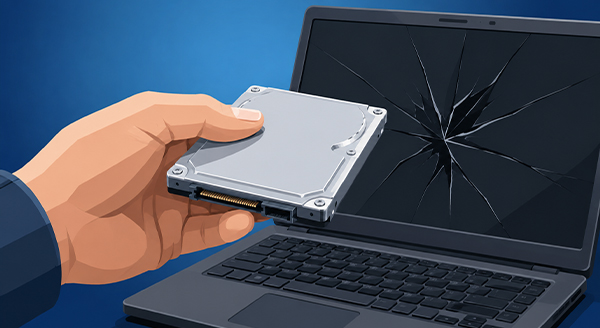
My Computer Won’t Turn On. Does That Mean My Data Is Gone?
Think your data is gone just because your computer won’t turn on? Don’t panic! New Ross PC Repairs offers expert data recovery across Wexford and Waterford.
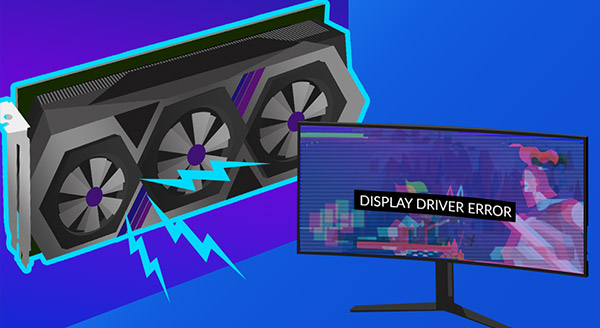
Is Your Graphics Card Going Bad?
Screen glitching or freezing? Learn the top signs of a failing graphics card and how New Ross PC Repairs in Wexford and Waterford can fix it fast.
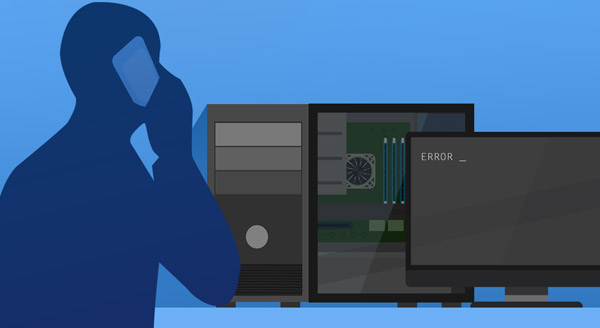
Computer Down, But You Need it Now? Now What?
Sick of waiting for computer repairs? Discover why partnering with a Managed Service Provider (MSP) keeps your business running smoothly in Wexford and Waterford.
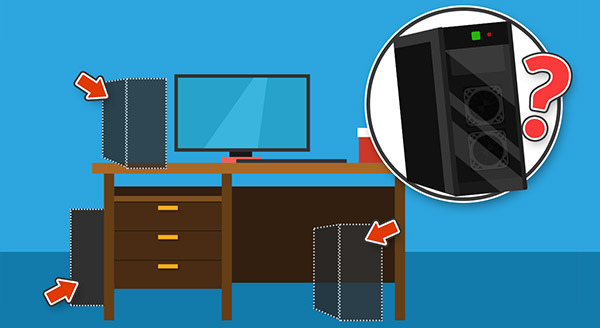
Finding the Best Place for your Desktop PC
Wondering where to put your computer? New Ross PC Repairs shares expert tips on the best and safest place for your desktop PC to prevent overheating.

How to Choose Home Computer Repair
Need home computer repair? Learn our top 5 tips for choosing a reliable, local IT technician in County Wexford instead of an expensive big-box store.
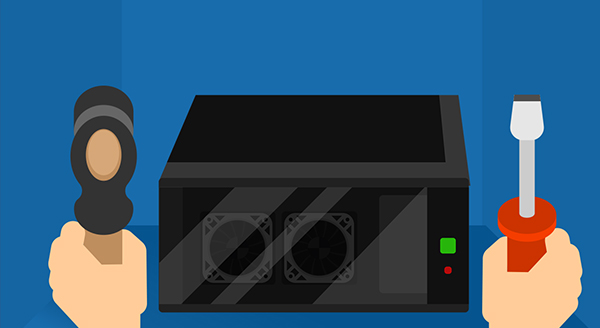
DIY Computer Repair: Don’t Do It
Thinking of fixing your PC yourself? Discover the top 5 risks of DIY computer repair and why trusting New Ross PC Repairs is the safer choice.

What to do When Your Warranty Runs Out
Has your computer warranty expired? Don’t panic. New Ross PC Repairs provides fast, affordable out-of-warranty repair services in County Wexford.

5 Tips to Protect Your Laptop from Physical Damage
Want to keep your laptop running for years? Discover 5 essential tips to protect your computer from physical damage, overheating, and screen flex.

Time to Replace Your Laptop Battery?
Is your laptop constantly dying, overheating, or randomly shutting down? You might not need a new computer—just a laptop battery replacement.
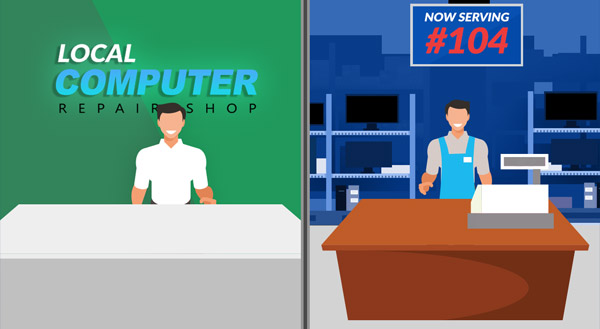
Local Business v. Big Box Computer Repair
Should you take your broken computer to a big-box store or a local repair shop? Discover why local IT businesses offer faster, safer, and better service.

What Computer Repair Can Be Done Remotely?
Don’t want to haul your desktop into a shop? Learn what computer repairs, virus removals, and tune-ups can be done remotely from the comfort of your home.

“Have you tried turning it off and on?”
It’s the oldest joke in IT, but turning a device off and on again actually solves a lot of problems! Learn why restarting works and how to do it safely.

Need a Second Opinion? IT Support for Your Home
Don’t get tricked into buying overpriced or failing technology at a big box store. Get an honest, expert second opinion for your home computer needs.
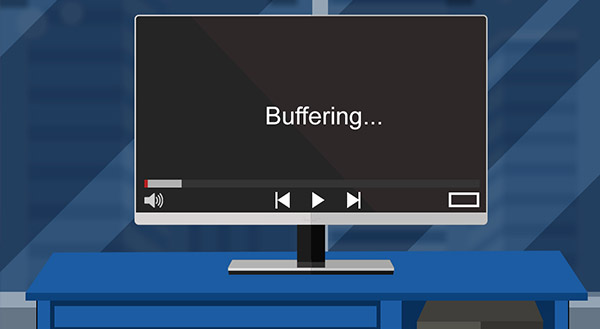
“So Slow!” Is it your Computer or your Internet Connection?
Not sure if your slow speeds are caused by a dying computer or a bad Wi-Fi connection? Learn how to find the root cause and get back up to speed.
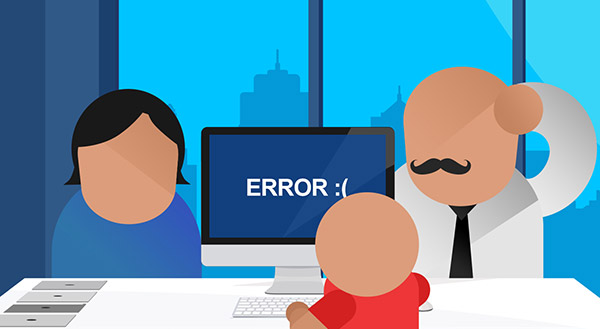
Why Computer Repair Is Best Left to Experts
Don’t risk your data by letting a friend or family member guess at a computer fix. Discover why professional computer repair saves you time, money, and stress.

Do Macs Get Viruses?
Think Apple computers are immune to malware? Think again. Discover why Macs get viruses, the growing threats to macOS, and how to protect your machine.
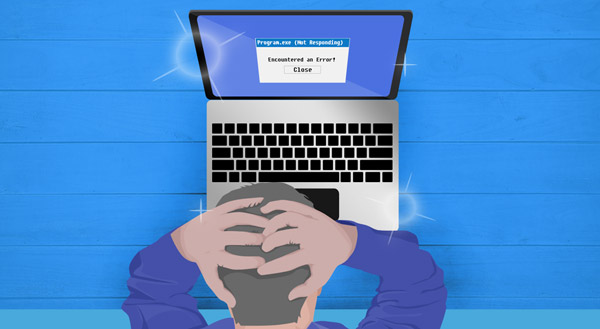
Why is My Brand New Laptop So Slow?
Did you just buy a new laptop, only to find it’s already running slow? Discover the top three reasons your new computer is lagging and how to fix them.
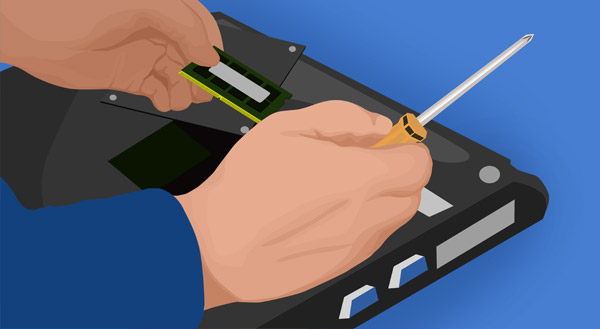
3 Top Reasons for Onsite Computer Repair
Avoid the hassle of unplugging your PC and driving to a repair shop. Discover the top three benefits of onsite computer repair for your home or business.
Repairing Your Computer Quicker for Less
Save time and money on your next computer repair. Learn how taking simple notes about crashes and environmental factors helps technicians fix issues faster.

Is Your Laptop Running Hot and Loud?
Is your laptop hot to the touch or sounding like a jet engine? Discover why your computer is overheating and how a simple clean-out can prevent failure.

What’s That Weird Noise Coming from Your Computer?
Is your computer clicking, clunking, or sounding like a jet engine? Learn what these warning noises mean and how to fix them before your hardware fails.

Why Do Computers Break?
Discover the most common reasons computers break down, from overheating and power surges to hardware age. Learn how to protect your machine and your data.

5 Signs Your Computer is Crying Out for Repair
Is your computer running slow, overheating, or making strange noises? Discover the five early warning signs of hardware failure before you lose your data.

5 Ways to Love Your Laptop (and Make It Last Longer)
Extend the life of your laptop and prevent costly repairs with these five easy, everyday maintenance tips.