My Computer Won’t Turn On: Is My Data Gone Forever?
When your laptop screen stays black or your desktop refuses to power up, the panic sets in instantly. For home users and small businesses across Wexford and Waterford, a dead computer feels like an absolute disaster. Years of family photos, crucial tax documents, and saved passwords seem instantly lost as you press the power button over and over with no response. But before you write off your hard drive, take a breath. A computer that refuses to turn on is rarely a death sentence for your personal files.
Hardware Failure is Not Data Loss
When a machine stops responding, the problem usually lies in the hardware that delivers power, not the hardware that stores your data.
Often, the fix is purely mechanical. We frequently see laptops with faulty charging ports, completely degraded batteries, or blown motherboards. In these cases, the machine is electrically dead, but your files haven’t been touched. Once the physical fault is repaired, your computer will boot up exactly as you left it.
In other scenarios, the display itself has failed. You might hear the fans spin up or see the keyboard lights turn on, but the screen remains completely black. Your data is still sitting safely inside; you just can’t see it.
The Secret Inside a Broken Laptop
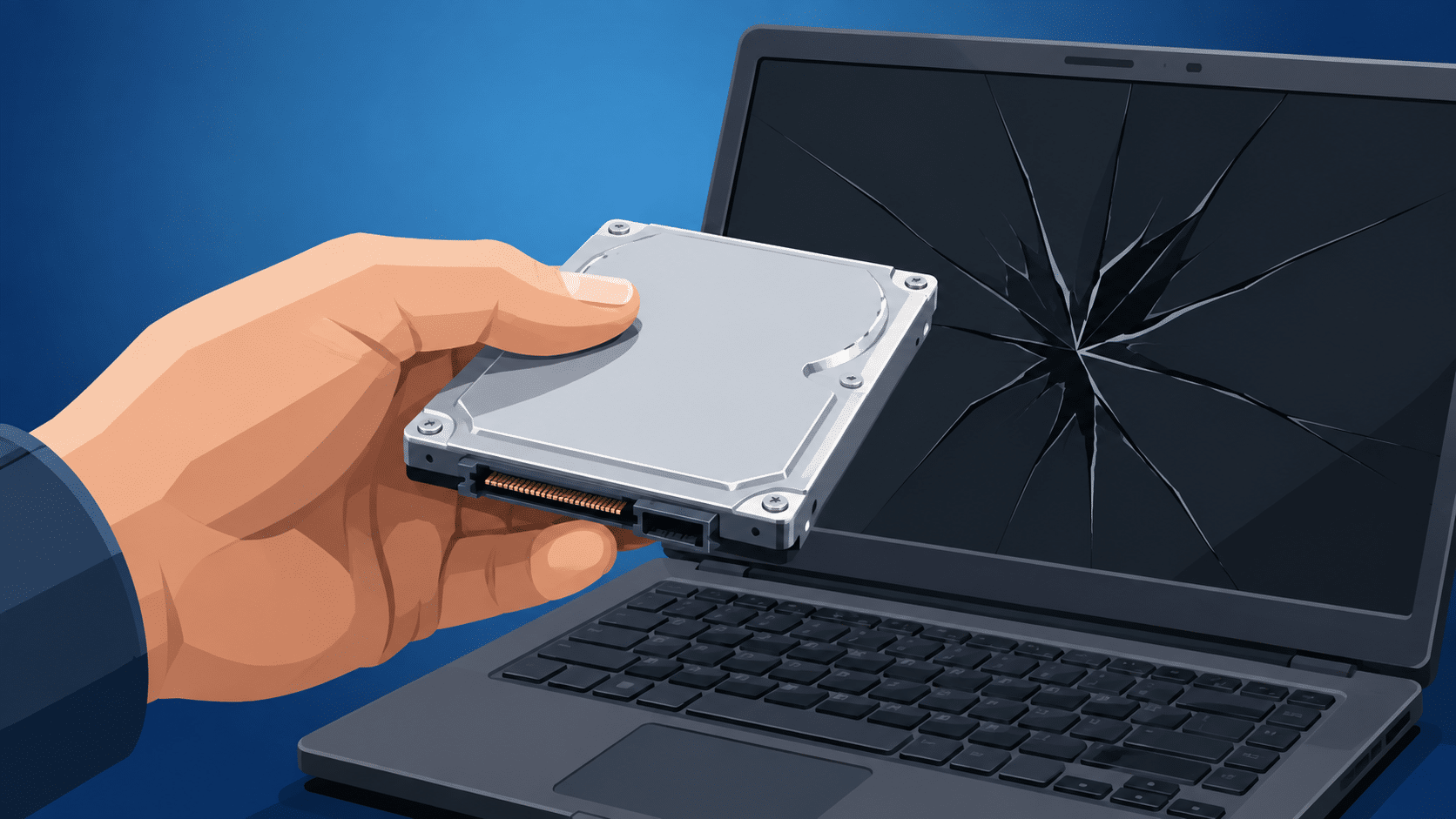
Here is the silver lining that surprises most of our customers: even if your laptop was dropped, took a liquid spill, or suffered a catastrophic motherboard failure, the storage drive itself is usually perfectly fine.
At New Ross PC Repairs, we can physically extract the hard drive or SSD from your dead machine. By connecting it to our diagnostic bench, we can bypass the broken computer entirely and recover your photos, documents, and files directly to an external drive.
When the Hard Drive is Actually the Culprit
Actual hard drive failure is the most serious scenario. If your computer was running incredibly slow, freezing constantly, or making a clicking noise before it died, the drive itself may be failing.
However, even a failing drive isn’t always a lost cause. If caught early enough, a technician can often clone the failing drive and pull most, if not all, of your critical data before the hardware gives out completely. The key is to stop using it immediately.
What NOT to Do When Your PC Dies
The instinct to keep forcing the power button, swapping random chargers, or trying a DIY YouTube fix is understandable, but it can make things much worse.
- Stop trying to power it on: If the drive is physically failing, forcing it to spin up will cause permanent internal damage.
- Don’t open it yourself: Modern thin-and-light laptops are easily damaged if you don’t have the right tools or experience to remove the casing.
Get Your Files Back Safely
Don’t rely on trial and error when your precious memories or business records are on the line. If your machine is dead, get it on a proper test bench.
Book a repair with New Ross PC Repairs today. We offer free local collection across South Wexford and Waterford. We will diagnose the exact hardware fault, rescue your data, and give you clear, honest options for getting back up and running.