Something Installed Itself on My PC—Where Did It Come From?
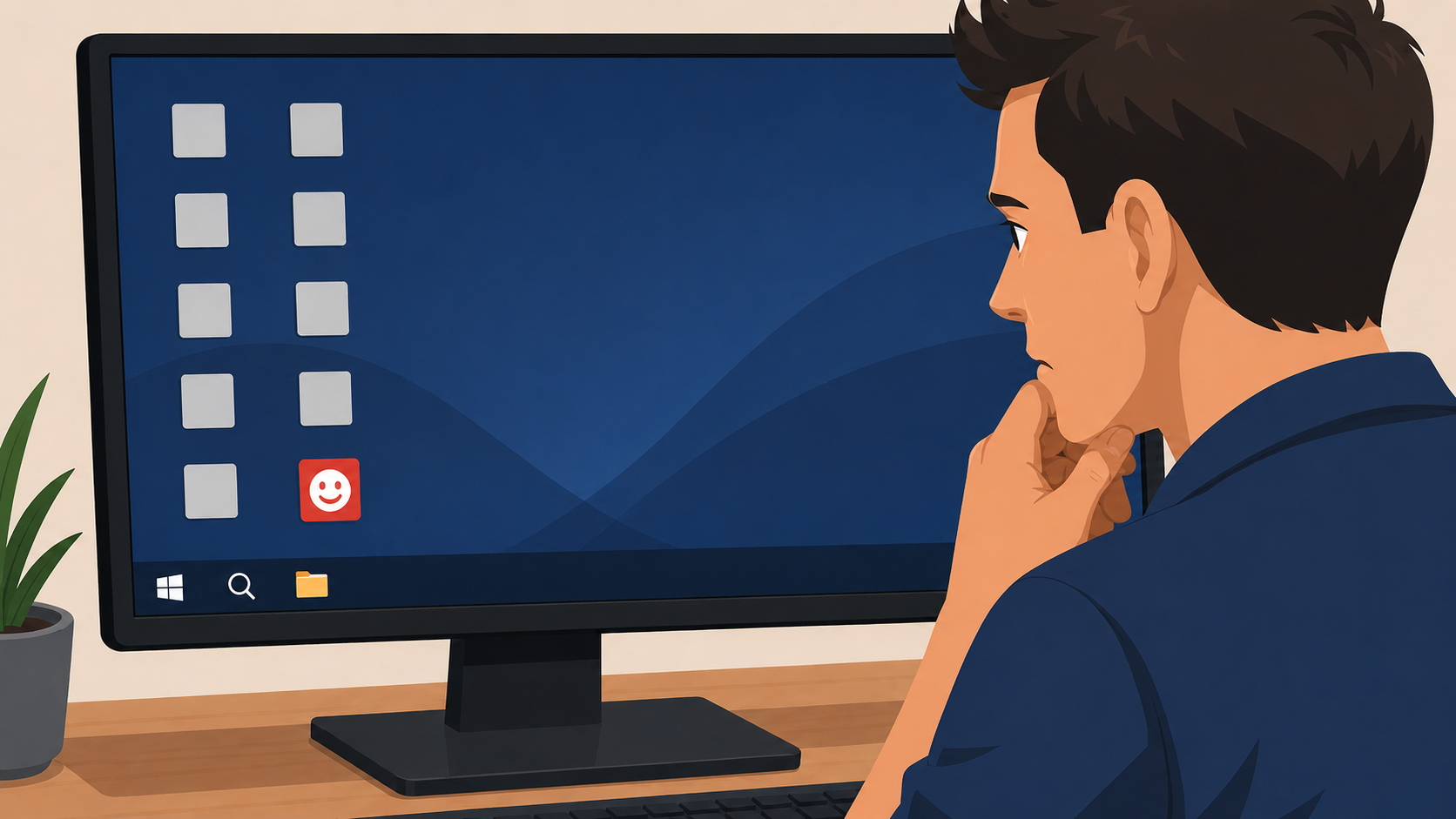
You boot up your laptop, open your web browser, and suddenly the homepage looks entirely different. Or maybe you glance down at the Windows taskbar and spot an unfamiliar icon running in the background. You know for a fact you didn’t install anything new. So where did it come from?
For home users and local businesses across Wexford, Waterford, and Kilkenny, spotting mystery software is a completely reasonable cause for alarm. Here is exactly how that unwanted software got onto your machine, and what you need to do about it.
The Most Likely Culprit: Bundled Installers
The number one cause of mystery software is the ‘free’ download you clicked ‘Next’ on a bit too quickly. When you download free software—like a PDF reader, a media player, or a browser plugin—the installer is rarely empty.
Hidden inside the installation process are tiny, pre-ticked checkboxes offering you ‘bonus’ software: a new default search engine, a browser toolbar, or a ‘free trial’ of a questionable antivirus program. Most people just click ‘Next’ repeatedly to get to the program they actually wanted, inadvertently giving the installer permission to load their computer with junk.
Because you technically consented to it (by not unchecking the boxes), your actual antivirus usually won’t stop it from installing. It is entirely legal, highly annoying, and very common.
Other Ways Unwanted Software Sneaks In
While bundled installers are the main offender, they aren’t the only way junk gets onto your system.
- Outdated Browsers: If your web browser or Windows operating system hasn’t been updated recently, simply visiting a compromised website can trigger a “silent install” without you clicking anything at all.
- The Family Factor: If your kids or a partner use the same computer, they may have downloaded a game mod or clicked a pop-up without realizing what it was.
Why You Need to Take It Seriously
Mystery software usually falls into one of three categories:
- Harmless Bloatware: Annoying junk that just takes up space.
- Adware: Software that quietly tracks your browsing habits and feeds you targeted pop-up ads.
- Malware/Keyloggers: Dangerous programs designed to steal your passwords and banking details.
The problem is that it is almost impossible for the average user to tell the difference just by looking at the icon. Ignoring a program that is quietly logging your keystrokes is a massive security risk. But trying to manually delete files that look suspicious but are actually critical Windows system files can crash your computer completely.
Why Simply Clicking ‘Uninstall’ Doesn’t Always Work
Uninstalling adware from the Windows ‘Programs and Features’ list rarely clears the infection completely. Many of these programs are designed to leave behind scheduled tasks that reinstall the software overnight, or hidden browser extensions that immediately change your homepage back to the scam site.
Don’t Guess—Let Us Identify It
If something has appeared on your computer that you didn’t put there, don’t ignore it, and don’t try to delete system files yourself.
Call New Ross PC Repairs at 051 476 543. We will identify exactly what the software is, strip it out completely if it is dangerous, and make sure your system is clean. We provide free local collection and return across Wexford, Waterford, and Kilkenny.