My Computer Needs a Fresh Start — What Does a Factory Reset Actually Do?
Someone may have told you at some point that if your computer is running incredibly slow, you can just “wipe it and start fresh.” It is decent advice in the right situation. Windows even has a built-in button to kick off the whole process with just a few clicks. But most people who try this have no real idea what a factory reset actually does to their machine, and that misunderstanding often leads to catastrophic data loss.
The “Keep My Files” Trap
When you start a Windows factory reset, you are given a choice: Keep my files, or Remove everything. It sounds straightforward, but the “keep my files” option trips a lot of people up. It does not mean your computer stays exactly as it is with a light system cleanup.
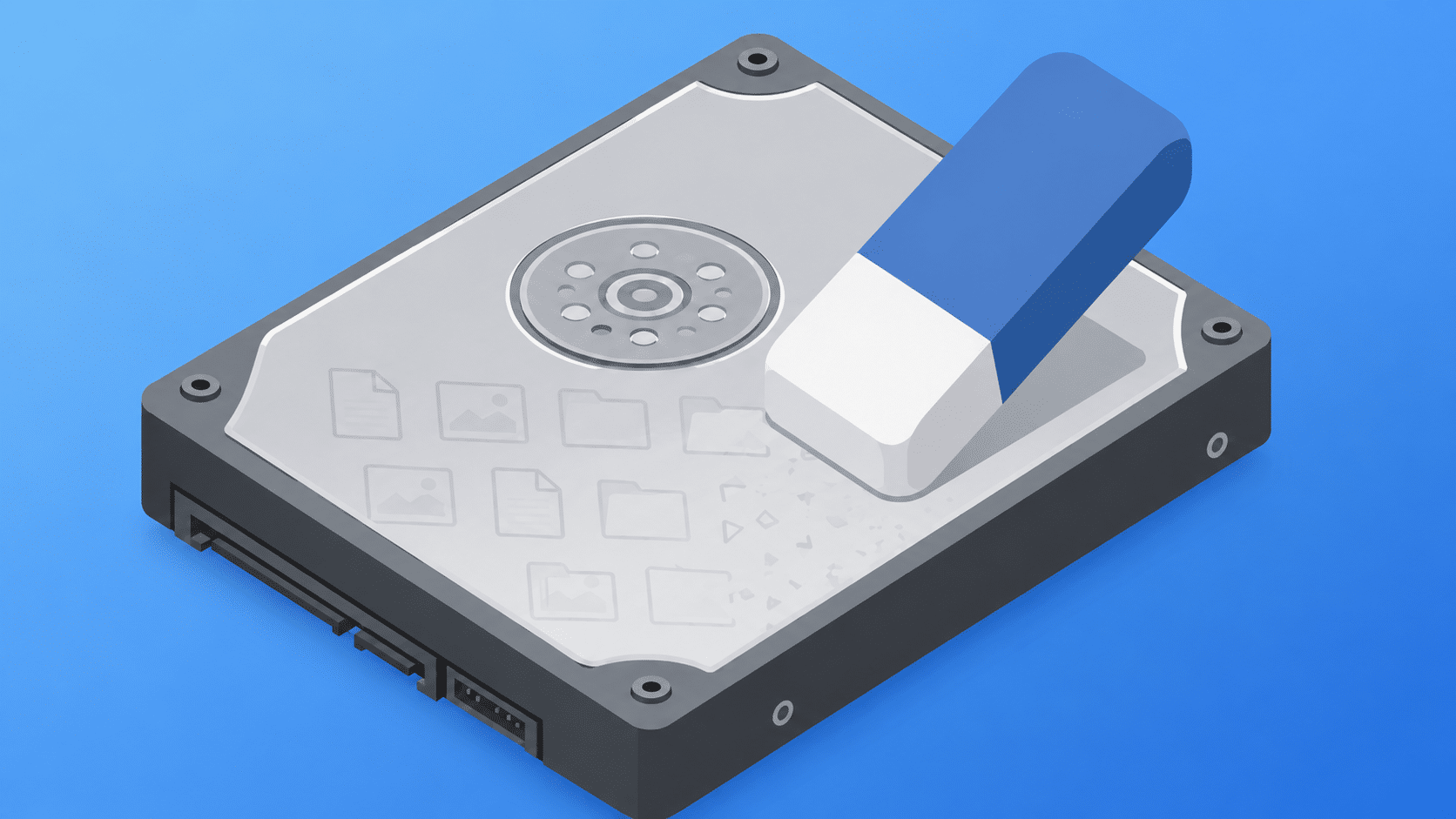
What it actually does is preserve the files stored inside your specific user account folders: your Desktop, your Documents, and your Downloads. That is it. Anything stored outside those specific folders is completely wiped.
This is where local businesses and home users get stung. Accounting software that keeps its database in a hidden app folder, games that store save files in their own directories, and family photos saved straight to the C: drive—all of it is gone. All of your installed software, apps, and settings are wiped, meaning everything will need to be reinstalled from scratch.
When a Factory Reset Actually Makes Sense
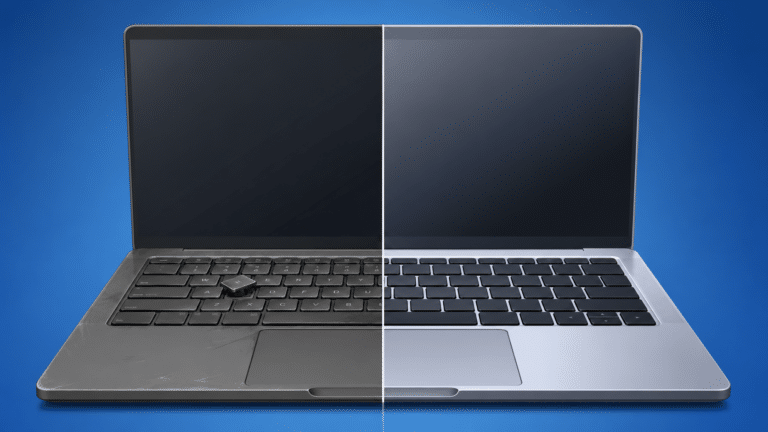
A factory reset is a software fix. It works brilliantly for a machine that has become severely bogged down from years of accumulated junk, a computer heavily infected with malware, or a Windows registry that has become so corrupted that normal troubleshooting isn’t cutting it. It is also the only safe move when you are selling or giving away your computer and want to guarantee none of your personal data goes with it (using the “Remove everything” option).
What a Factory Reset Won’t Touch
Here is where many people get caught out: a factory reset has zero effect on hardware problems.
If your laptop is freezing because the physical hard drive is dying, a factory reset will not fix it. In fact, it might actually kill the machine completely, because forcing a failing drive to reinstall an entire operating system puts it under immense strain. If your computer is overheating or making a grinding noise, wiping the software layer will not address the physical problem at all.
Before You Reset, You Must Backup
Clicking “Keep my files” is not a backup. It is a gamble. If you use specialist software or have files scattered across your drive, that data will vanish once the reset completes.
Getting a backup right before a factory reset is the trickiest part of the entire process. It is highly recommended to have a professional handle it rather than finding out tomorrow that years of work didn’t make it across the wipe.
Let Us Handle the Wiping Process safely
If your computer is acting up, a factory reset might not even be the right first step. Bringing it to our test bench means we can figure out what is actually causing the problem—whether it is failing hardware or corrupted software.
Book a diagnostic with New Ross PC Repairs by calling 051 476 543. We will make sure nothing important gets left behind, properly back up your data, and handle the entire system refresh safely. We offer free local collection across Wexford, Waterford, and South Kilkenny.