What Actually Happens When You Give an App Access to Your Contacts?
You download a new app on your smartphone, open it for the first time, and immediately get a pop-up: ‘Allow this app to access your contacts?’ Most people just tap ‘Allow’ without a second thought. The app seems to need it, and it takes less effort to say yes than to wonder why.
But that single tap shares a lot more than most people expect. For families and small business owners across Wexford, Waterford, and Kilkenny, clicking ‘Allow’ is a privacy decision that affects dozens of other people without their knowledge.
You Are Sharing Other People’s Private Data
Your contacts list isn’t just your personal information. It is a massive collection of names, personal phone numbers, private email addresses, and sometimes home addresses belonging to your friends, family, and clients.
When you hand that list over, you are sharing the data of people who never downloaded that app, never read its terms and conditions, and never consented to their details being uploaded.
What Apps Actually Do With Your Contacts
Apps often claim they need contact access to ‘help you find friends’ who are already on the platform. While a few stop there, many do not.
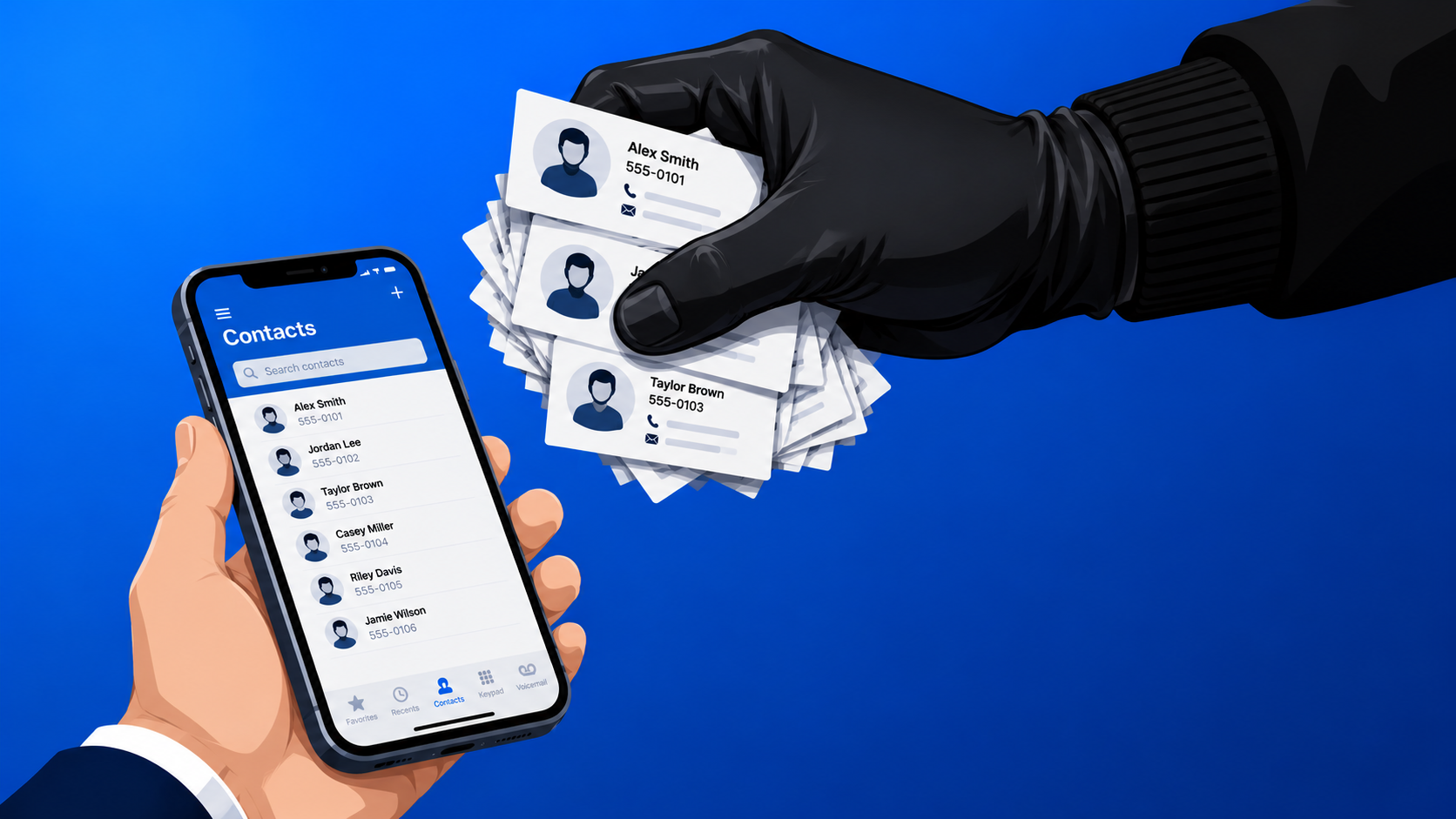
A staggering number of apps instantly upload your entire phonebook to their own corporate servers the second you tap ‘Allow’, regardless of whether you ever use their friend-finding features. They use this data to build a ‘social graph’—a highly detailed map of who knows whom. This allows tech platforms to target advertising much more precisely, even targeting the people on your list who have never created an account.
Even worse, in many documented cases, contact data is quietly sold to third-party data brokers. Your doctor, your elderly parents, or your business clients could end up in a global marketing database simply because you downloaded a random weather app or a free game.
How to Revoke Access on Your Phone Right Now
It is surprisingly easy to see which apps currently have access to your contacts and shut down the ones that don’t genuinely need it.
- On an iPhone: Go to Settings > Privacy & Security > Contacts. You will see a list of every app that has requested access. Toggle off anything that doesn’t need it.
- On Android: Open Settings > Apps > Permissions > Contacts (this path can vary slightly depending on your phone manufacturer). Review the list critically.
A weather app, a basic photo editor, a calculator, or a flashlight app has absolutely no legitimate reason to read your phonebook. If they are on that list, revoke their access immediately.
A Simple Rule for Future Pop-Ups
Before you tap ‘Allow’ on any future permission prompt, ask yourself one question: What would this app actually lose if I said no?
For most apps, the honest answer is very little. If you decide later that you want to use a specific feature that requires your contacts, you can always turn it on manually in your settings. But turning it off after the fact is something most people never remember to do, and by then, the data is already gone.
Need Help Securing Your Devices?
If you have concerns about the privacy of your devices, need help locking down your digital security, or suspect a malicious app is running on your smartphone or PC, we are here to help.
Call New Ross PC Repairs at 051 476 543. We can audit your devices, clear out any hidden malware, and ensure your tech is fully secured. We offer free local collection across Wexford, Waterford, and Kilkenny.