Fake Job Applications on Google Forms Are Quietly Hiding Malware
Finding legitimate remote work or local employment opportunities online has always required a degree of caution. But modern threat actors have evolved past obvious phishing emails and poorly spelled scam texts. Today, cybercriminals are weaponising trusted platforms like Google Forms and LinkedIn to deploy highly sophisticated malware directly onto your devices. For job seekers and professionals across Wexford, Waterford, and Kilkenny, this new breed of attack is incredibly dangerous because it perfectly mimics a standard corporate hiring process.
Why This Attack Bypasses Your Suspicions
Most users are trained to spot sketchy download sites or ignore random email attachments. This specific scam succeeds by exploiting the platforms you already trust.
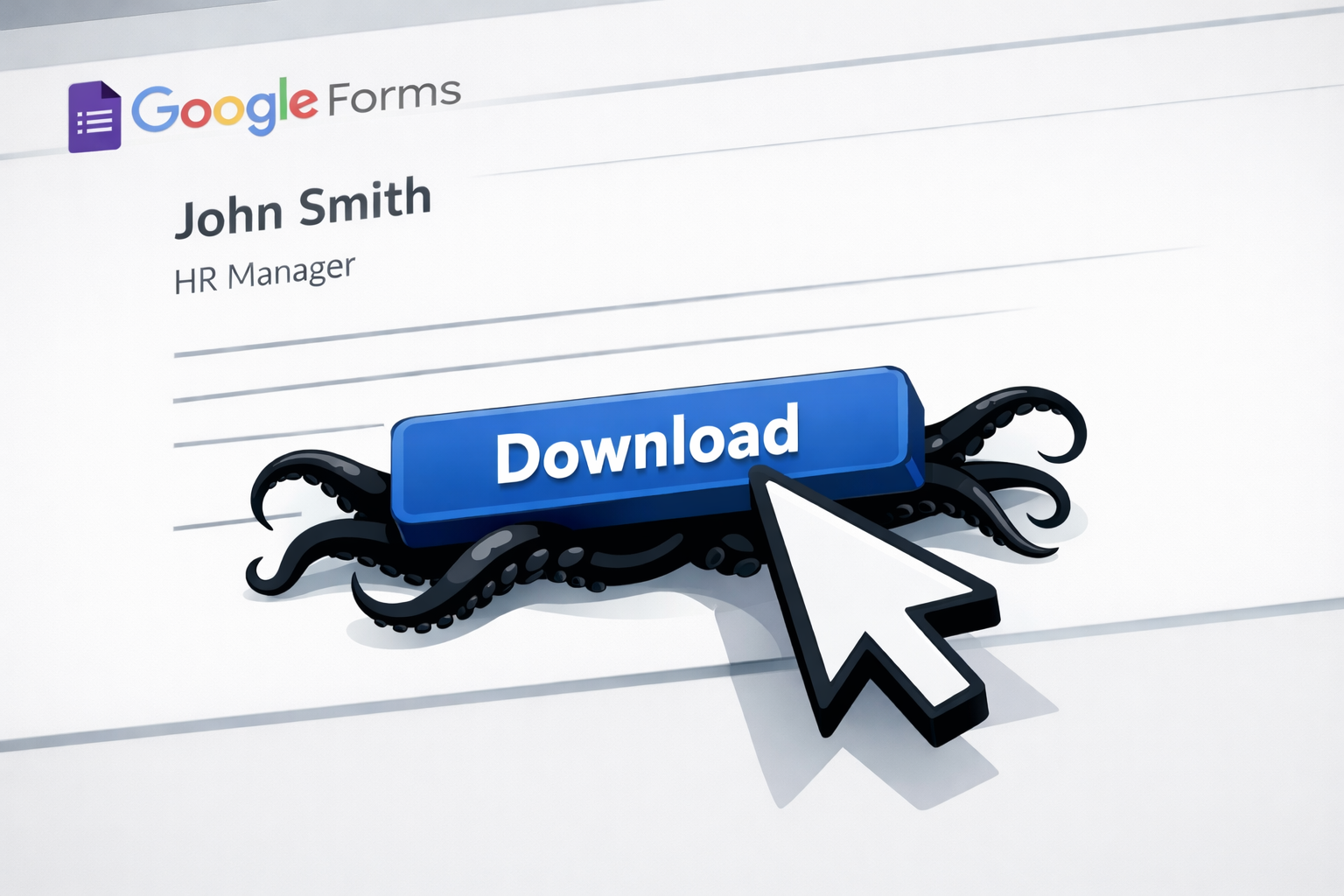
It begins with a highly convincing job listing on LinkedIn or a local Facebook community board. Clicking the link takes you to a Google Form featuring a recognizable corporate logo. Because legitimate HR departments and recruiters use Google Forms every day, your guard remains down. The form asks for standard professional details—your employment history, qualifications, and background—which makes the interaction feel entirely authentic.
The critical compromise happens during the next step. Candidates are prompted to download a ‘project brief,’ a ‘contract,’ or a ‘role overview’ to prepare for an interview. Scammers meticulously name these files to match real, reputable companies in the finance or logistics sectors. It feels like a natural progression of the hiring process until the trap snaps shut.
The Invisible Malware Infection
The file you download is typically a compressed ZIP or RAR archive containing a hidden, malicious payload. The moment you extract and open it, the software installs silently in the background, granting the attacker complete remote access to your computer.
There are no pop-ups, no flashing warning screens, and no sudden system crashes. While you continue using your machine normally, the attacker can silently harvest your saved browser passwords, extract cryptocurrency wallet keys, and scrape sensitive data from messaging apps like Telegram. This malware is deeply embedded and designed to survive a system reboot, meaning simply turning your laptop off and on will not remove the threat.
How to Spot the Trap Before You Click
Identifying this scam requires looking closely at the file types and the source of the opportunity. Stop immediately if you notice any of these red flags:
- Suspicious File Formats: Legitimate employers will send documents in standard PDF or Word formats. They will never ask you to download and extract a ZIP or RAR archive as part of an initial application.
- Obscured Download Links: The download link redirects you to an unfamiliar file-hosting website or uses a shortened URL to hide its true destination.
- Unsolicited Outreach: The job offer arrived completely unprompted from an unknown recruiter for a role you never applied for.
Verify Before You Apply
Never trust a third-party application form blindly. If you spot an attractive role online, open a new browser tab and navigate directly to the hiring company’s official website. Search their internal careers page to verify the position actually exists. If it isn’t listed there, it is a scam.
Under no circumstances should you download a file from an unexpected form, regardless of how professional the branding appears.
Eradicate the Threat Immediately
Do not wait for your bank accounts to be compromised or your personal data to be stolen. If you suspect you have engaged with a fraudulent application or downloaded a compromised file, immediate intervention is critical.
Call New Ross PC Repairs at 051 476 543. We will execute a deep-level security sweep to eradicate any hidden remote access tools and ensure your hardware is fully secured. We provide free local collection across Wexford, Waterford, and Kilkenny.