What’s That Weird Noise Coming from Your Computer?
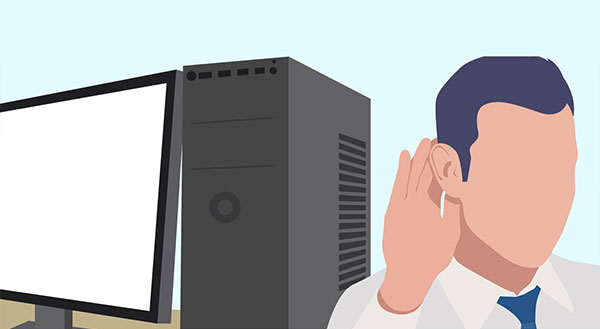
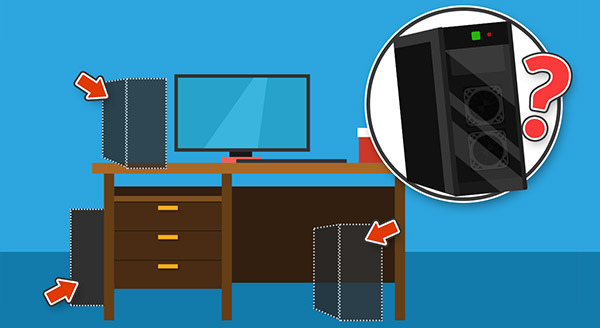
New computers are whisper quiet, seeming to run on pure magic, but after a while computers can start making some pretty weird noises. Clicks, clunks, and about-to-take-off jet noises are the most common, but when should you worry? Your computer has a number of moving parts and even some stationary parts that can make noises. If you’re listening, your computer might be telling you about its current health and how you can help it run smoother, for longer.
When you hear a clicking noise:
If you have an older desktop or a mechanical backup hard drive, a soft ticking can sometimes be normal. However, a loud, repetitive clicking (often called the ‘click of death’) means the mechanical parts inside the drive are failing and actively destroying your data. If you hear this, turn the computer off immediately. Because most modern laptops now use Solid State Drives (SSDs) which are 100% silent, a clicking noise in a newer machine usually points to a broken cooling fan or a struggling power supply. Either way, it needs attention before it gets worse.
When you hear a clunking noise:
Unsurprisingly, this one causes certain alarm. Computers aren’t meant to go clunk! It may be a simple matter of a cable having shifted into the path of a fan and getting clipped during the spin. Remember when you pegged a card between your bicycle spokes? It might sound a little like that, skipping every now and then as it’s pushed away and drops back again. If that’s the case, our technicians will quickly secure the cable back where it belongs.
When you hear a jet-engine noise:
Most computers and laptops have fans to keep them cool. The fans have to spin to move the air around, and the faster they’re spinning, the more noise they make. We start to worry when the jet-engine noise gets out of hand and it’s not just while you’re playing a resource-intensive game or doing some video editing. Constant jet-engine noise indicates your computer is struggling to cool itself down, perhaps because the fan vents are clogged with dust, your computer is in a poorly ventilated space, or the fan itself is worn. Each fan has ball bearings inside that wear out over time, making extra noise while it does the best it can. Our technicians can replace individual fans quickly and give your system a checkup to make sure nothing else has been affected.
When it’s beep city:
While many modern computers use diagnostic lights, older or specific desktop motherboards still use ‘beep codes’ to communicate. A single beep at startup just means it passed its self-test. But if you turn it on and hear a sequence of repeated beeps (like 3 long beeps, or 1 long and 2 short), the computer is trying to tell you exactly what component has failed—such as loose RAM or a dead graphics card. If your computer is beeping at you and won’t start, note the pattern and let us decode it and repair the problem for you.
Some noises your computer makes will be normal, others a sign of deeper issues. Even if your computer seems to be operating correctly, a sudden onset of weird noises could mean failure is just around the corner. Taking early action ensures problems don’t escalate, costs are kept low, and your files remain where they belong.
Got some weird noises coming from your computer? Don’t wait for a total hardware failure. Call Chris at New Ross PC Repairs today at 087-099-1266 to get it diagnosed.