Do Macs Get Viruses?
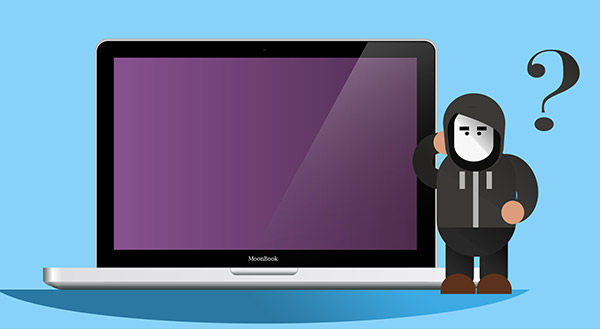
Many Apple owners believe their Macintosh computers are immune to viruses. Apple itself has run ad campaigns promising its computers “don’t get viruses”. And those who have owned a Mac for years, decades even, are particularly prone to believing. After all, nothing’s happened to them yet. Regrettably, Macs do get viruses, and the threat is growing.
For a long time the argument was that cybercriminals didn’t bother to develop Mac viruses. There weren’t enough users to justify the effort. Instead, they’d focus on the lower hanging fruit – PCs running Windows.
Yet Apple’s market share is on the rise, and it’s increasingly common to see Macs in the workplace, especially in creative industries. Plus, there’s a widespread assumption that Mac users are a smart target as they are likely to be better off. So, while Macs remain harder to infect (installing most software requires a password), there’s often a greater payoff.
The research reflects the reality. Today, macOS is consistently targeted by cybercriminals. Cybersecurity firms like Malwarebytes regularly report massive surges in Mac-specific threats, noting that as Apple’s market share continues to grow, the volume of malware, adware, and potentially unwanted programs (PUPs) designed specifically for Macs grows right alongside it.
Finding Apple’s Weak Spots
It’s obvious then that bad actors are no longer steering clear. They are actively looking for ways to exploit Macs.
A common approach is to use Trojans. Named after a gift wooden horse that hid an army, Trojans look like something you would want to install. So, Mac users happily enter their passwords to download that application and open the gates to the cybercriminal.
In 2011, for instance, a Trojan called “Mac Defender” took advantage of people’s desire to protect their computers. The fake program appeared to be anti-virus software. Once the users installed it, they’d get an onslaught of pop-up ads encouraging them to buy more fake software.
Trojans are a classic example. These fake programs often disguise themselves as legitimate anti-virus software, media players, or critical system updates. Once a user enters their password to install it, they open the floodgates to an onslaught of malicious pop-up ads, browser hijackers, or ransomware.
A business would want to educate its employees about the importance of:
- clicking on emails with care;
- validating the source of any files they plan to open;
- checking a website’s URL (being especially wary of those with less common endings such as .cc or .co);
- questioning any promises of Ray-Ban sunglasses for 90% off or the latest iPhone for €29.99.
A new threat comes from within the Mac App Store, according to Thomas Reed, a Mac security researcher. When a user tries to install an app on a Mac, a Mac OS program called Gatekeeper checks the file’s code signature. The signature helps certify the app is valid. However, Reed found that cybercriminals could buy a legitimate certificate from Apple, or steal one and trick users. Users would install masked malware that could infect legitimate programs and evade detection.
Key Takeaway
Apple is always working to protect its users from malware. It has strong measures in place, and user caution makes a massive difference. Still, it’s simply not true that Macs are completely safe.
Find out what you can do to protect your Mac. If your Apple computer is running slow, showing strange pop-ups, or acting suspiciously, don’t ignore it. Call Chris at New Ross PC Repairs today at 087-099-1266 for a full security scan and cleanup.