My Laptop Keyboard is Acting Up: Should I Fix It or Replace the Laptop?
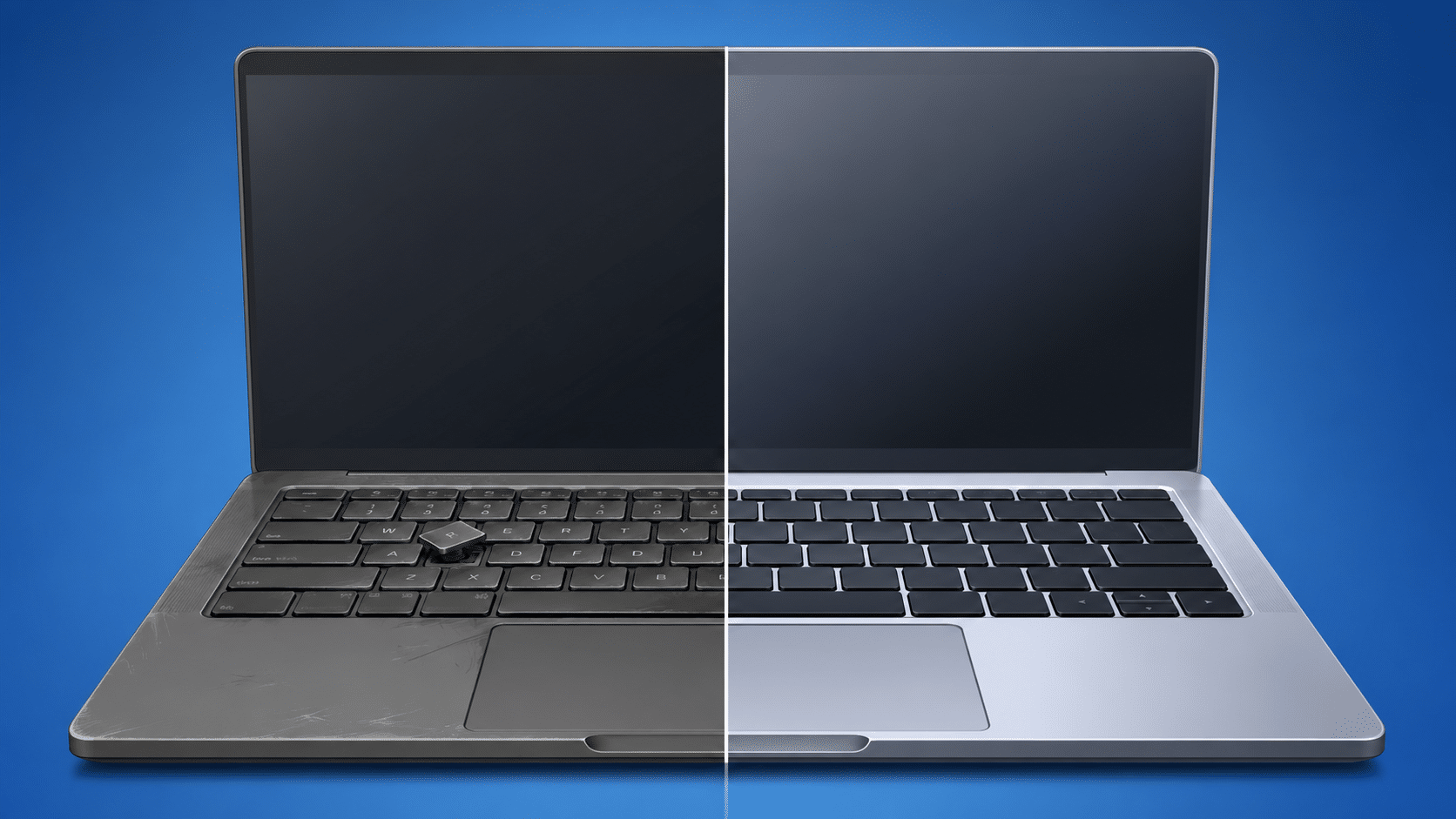
You are mid-sentence, and suddenly the keyboard doubles a letter you only pressed once, or a specific key just stops registering entirely. It’s infuriating. For many people, the immediate instinct is to assume the computer is finished and it is time for a new laptop. But before you start browsing for a replacement, it is worth slowing down. The right answer genuinely depends on a few specific factors, and guessing wrong will cost you.
Start With One Simple Test
Before assuming the worst, find a standard USB keyboard and plug it into your laptop. If everything types perfectly using the external keyboard, you have just confirmed something crucial: the fault is completely isolated to the built-in keyboard.
Your laptop itself is fine. That single test changes the entire conversation because you are no longer looking at a ‘broken computer’—you are looking at one broken component.
If the USB keyboard doesn’t help, or if your machine is also crashing, running incredibly slow, or glitching on screen, then there may be a deeper issue, and a proper hardware diagnostic is the next step.
What Actually Goes Wrong With Laptop Keyboards?
Most keyboard failures come down to a few common causes:
- Debris: Years of crumbs and dust compacted under the keys.
- Wear and Tear: Worn contacts on heavily used individual keys or a deteriorated membrane beneath them.
- Liquid Damage: Moisture from a past spill that finally corroded the connections.
The first two are usually straightforward repairs. Liquid damage is a different beast because moisture can travel further than the keyboard itself, requiring a closer inspection before we assume it is a simple fix.
When Repairing Makes the Most Sense
If your laptop is relatively recent, runs smoothly, and the fault is genuinely limited to the keyboard, a repair is almost always the smarter financial decision. For most standard Windows laptops (HP, Dell, Lenovo, ASUS), a keyboard replacement costs a fraction of a new machine, and you get to keep all your files, software, and settings exactly as they are.
Repair is even easier to justify when you consider the hidden costs of buying new: the purchase price, the time spent setting everything up, and migrating your data to a machine that might not actually feel any faster for everyday tasks.
When Replacing Makes More Sense
Age is the ultimate deciding factor. If your laptop is five or more years old and already feels sluggish, a keyboard repair might only extend its life by another year or two. You would be sinking money into a machine that is likely to develop other hardware issues soon.
The other factor is the proportion of the cost. If the repair quote comes in too close to what a comparable replacement laptop would cost, the economics favor buying new. We will always have that honest conversation with you before you commit.
MacBooks Are a Special Case
Apple laptops are built differently. On most MacBook models, the keyboard is riveted directly into the top aluminum case rather than being a standalone, easily swappable unit. This makes the replacement far more labor-intensive, which pushes repair costs higher than a standard Windows laptop. If you have a MacBook with keyboard issues, it is essential to get a specific quote before deciding.
Let’s Figure It Out Together
The smartest move before deciding to scrap your laptop is to let us test it.
Book a diagnostic with New Ross PC Repairs by calling 051 476 543. We will confirm if the fault is limited to the keyboard, assess the overall health of the machine, and give you a clear repair cost. We offer free local collection across South Wexford, Waterford, and South Kilkenny.