Trapped on the ‘Windows Is Updating’ Screen? Here is What to Do
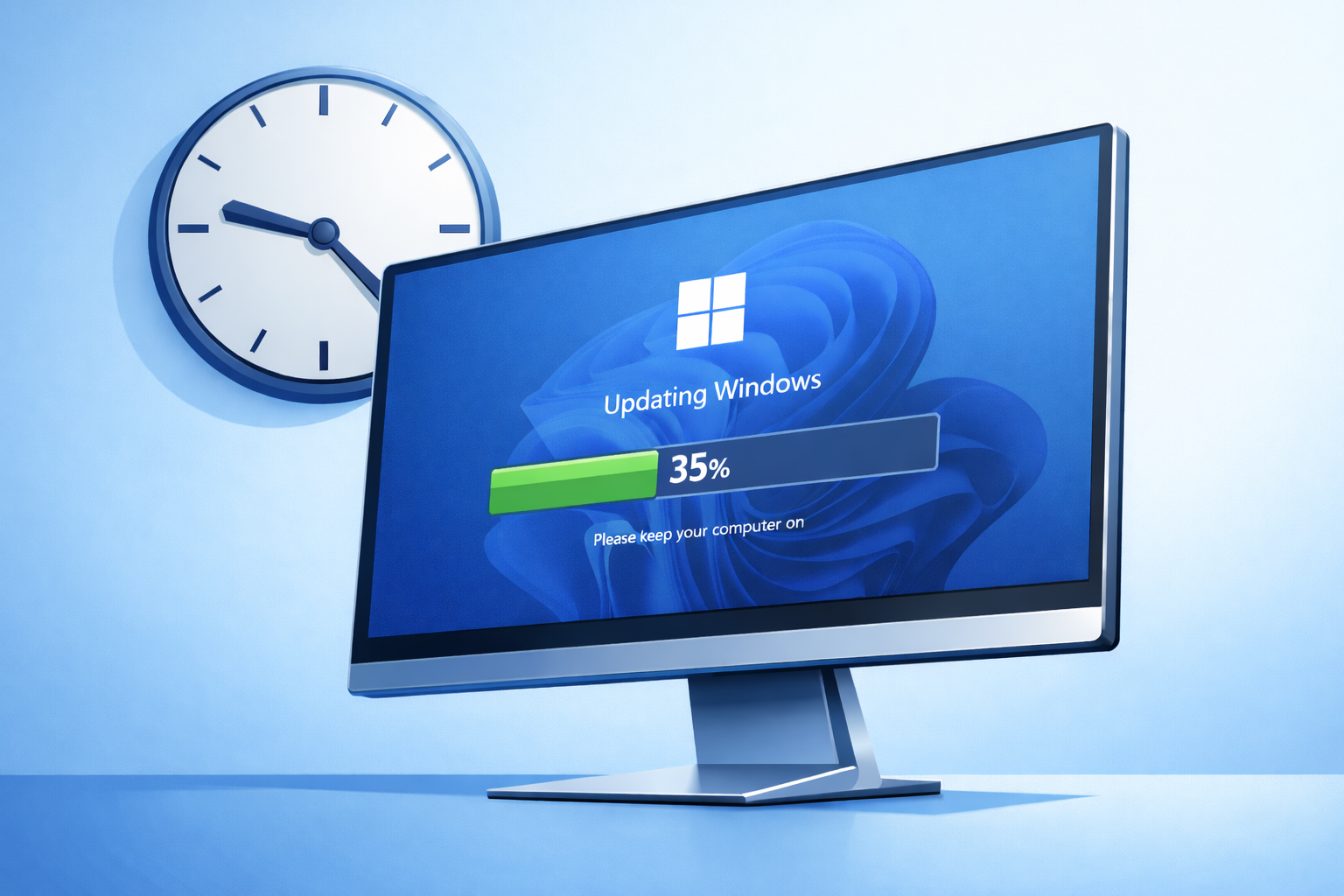
You sit down to send a quick email, but instead, you are met with a blue screen declaring ‘Updating Windows: 35% complete’. Forty-five minutes later, that number hasn’t moved an inch. You can’t bypass it, you can’t click anything, and you are left staring at the power button, wondering if forcing a shutdown will completely destroy your computer.
For remote workers and home users across Wexford, Waterford, and Kilkenny, this is one of the most maddening IT issues imaginable. The biggest problem? A perfectly healthy (but slow) update looks exactly the same on screen as a completely crashed one.
Is the Update Actually Still Running?
Some system updates are genuinely massive. If you are using an older laptop equipped with a mechanical hard drive instead of a modern SSD, writing gigabytes of update files takes a painfully long time. If your machine is also low on RAM, the system slows to an absolute crawl. Sitting on the same percentage for over an hour isn’t necessarily proof that the machine is broken.
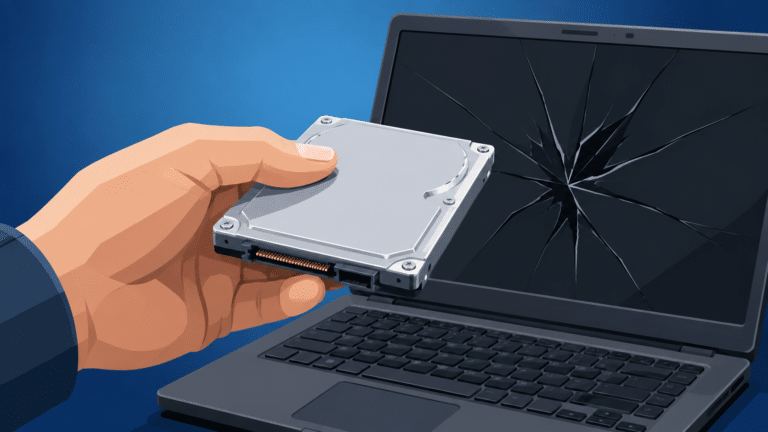
However, the update could also be entirely dead. A corrupted download, a completely full storage drive, or a failing hard drive will cause the installation to stall permanently.
Your only physical clue is the tiny disk activity light on the side of your laptop or PC tower. If it is flickering wildly, the computer is still working. If it has been completely dark or solidly lit without flickering for a long time, the system has likely frozen.
The Hard Reset: Should You Force It to Shut Down?
Microsoft explicitly tells you to ‘wait it out’ and leave your PC plugged in. Pulling the plug mid-installation can leave essential operating system files in a fragmented, broken state.
But waiting four hours just isn’t practical. Eventually, you have to hold down the power button and force a hard reset.
Modern Windows is designed to handle this exact scenario. Usually, upon rebooting, the screen will say ‘Undoing changes’ and successfully roll your system back to normal. However, there is always a risk: occasionally, the machine gets caught in an infinite boot loop, or corrupted startup files prevent the computer from turning on at all.
Why Your PC Keeps Getting Stuck
A one-off frozen update happens to everyone. But if your machine gets trapped on the blue screen every single time Microsoft pushes an update, your hardware is waving a red flag.
- Degrading Hard Drive: Your mechanical drive is failing and physically cannot handle the intense read/write loads of a system update.
- Corrupted Update Cache: The hidden system folder where Windows stores these downloads is corrupted, causing every new attempt to instantly fail.
- Zero Storage Space: Windows requires gigabytes of empty space to unpack installation files. If your drive is maxed out, the update hits a brick wall.
Break the Loop Permanently
The built-in Windows troubleshooter rarely resolves the root cause of this loop. If you just ride it out, the exact same thing will happen next month.
Call New Ross PC Repairs at 051 476 543. We will run a full hardware diagnostic, clear out any corrupted system caches, and upgrade your storage if necessary. We offer free local collection across Wexford, Waterford, and Kilkenny so you can get back to work without the wait.